When was the last time you worked solely in one app? Was it yesterday, last week or last year? Most people are working across multiple platforms in their daily life, from Claude, to Slack, to CMS programs and don’t even get us started on Chrome tabs. We also like to think that Trint has always been one touchpoint in that day. With the launch of the Trint MCP Connector, it’s much, much more.
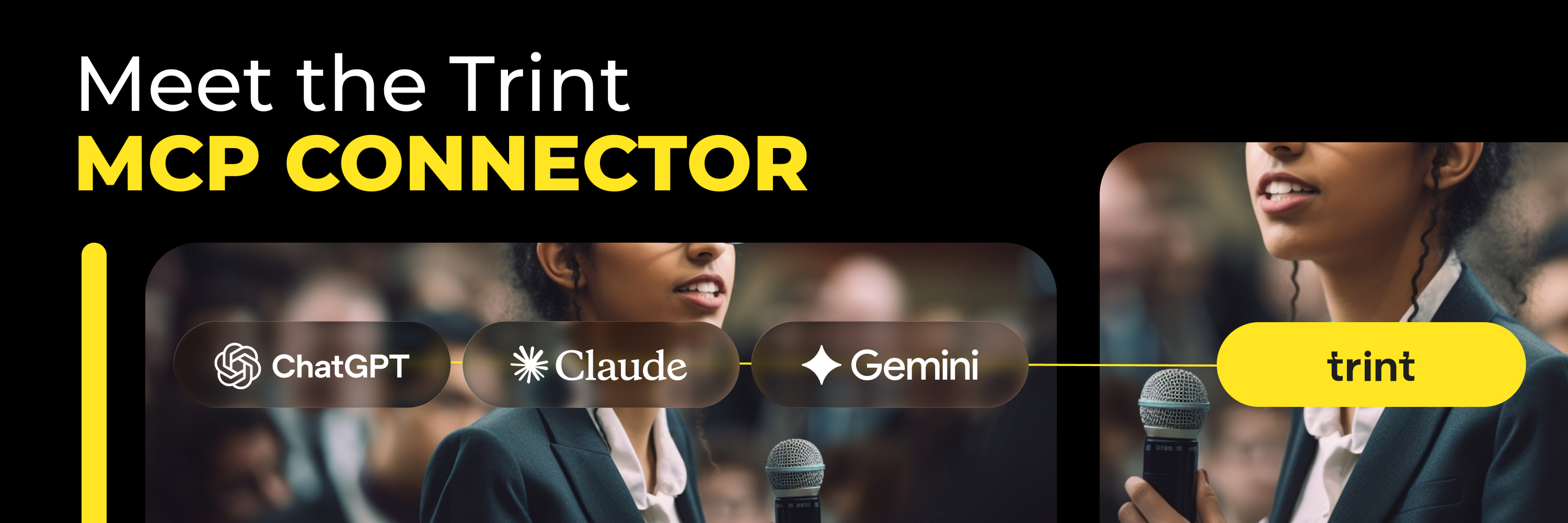
The Trint MCP Connector is our implementation of Anthropic’s Model Context Protocol (MCP), which is an open standard that lets AI agents and assistants access external tools and data sources.
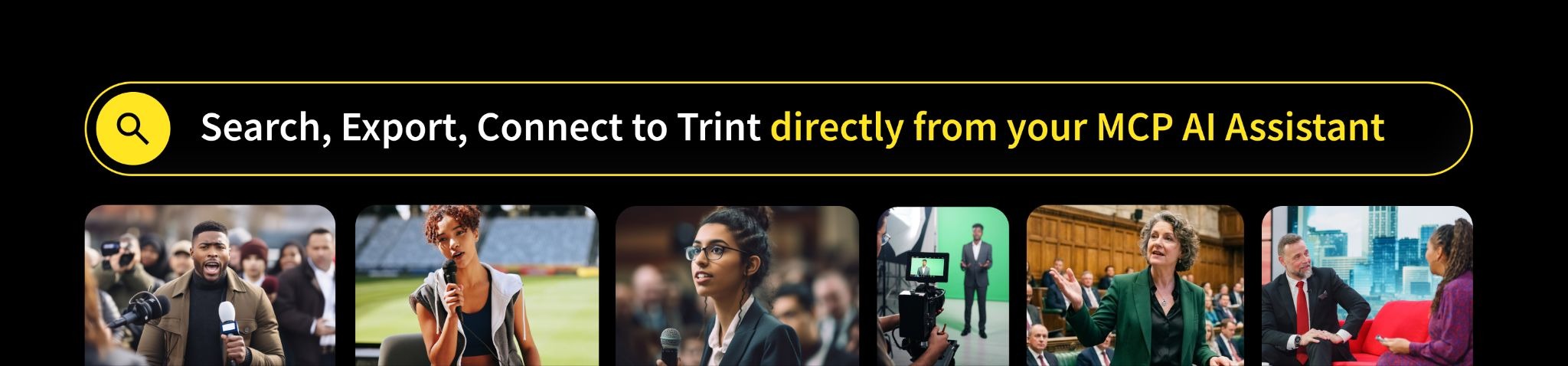
What this means is that if you’re already working in Claude or any other MCP-compatible AI assistant, you can now connect it directly with Trint. This gives you the ability to have all of your past and present Trint’s accessible and searchable in your AI assistant. No tab-switching, no copy-pasting, no more ‘I need to check that back in Trint’.
Trint is no longer a standalone app – it’s a connected tool inside your AI workflow.
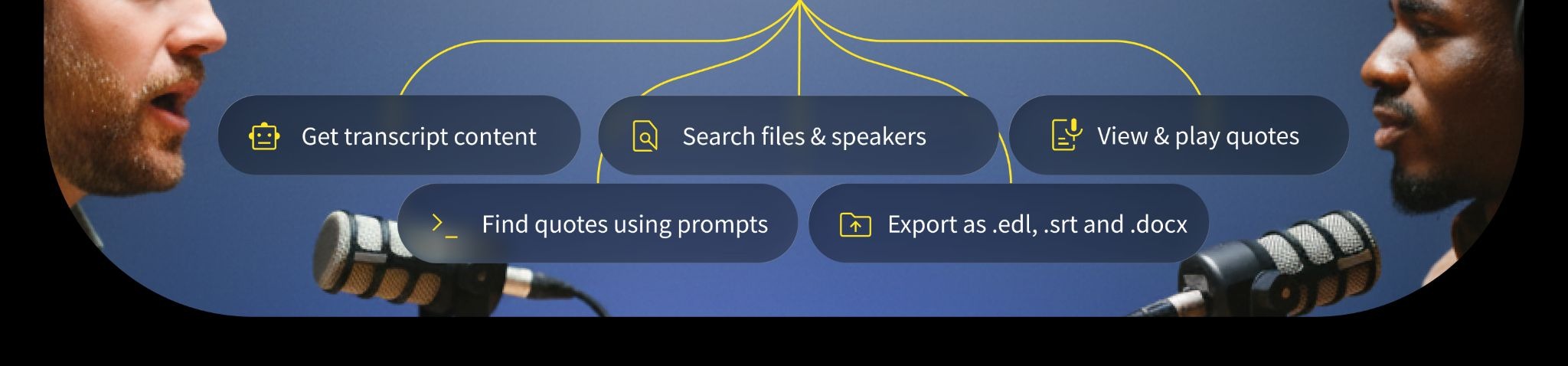
In short, the Trint MCP Connector exposes a set of tools that your connected AI agent or assistant can call on your behalf, directly from the conversation you’re already having. This means it can:
You might be thinking, if general purpose AI tools can already transcribe, summarise, and pull out key quotes to some degree, what’s the point of building an MCP Connector?
The main reason is that Trint isn’t a general-purpose tool. It was built specifically for newsrooms and media production teams, with a focus on accuracy and reliability that comes hand in hand with those industries. Our new Trint MCP Connector takes what already works for you in Trint, and amplifies it with the AI tools that are also working for you.
Still not sure? Here’s where you can really see the impact. Say you’ve got a quote from a speaker that you’re checking and verifying. With the Trint MCP Connector you can pull up the original audio of the quote along with the response from the AI agent so that you can double check the transcript was correct while hearing the soundbite out loud, making sure it’s right for your content.
Or let’s say you want to keep working in your AI assistant but need to trace a quote back to its source. The Trint MCP Connector will keep that link to the original transcript so the context is never more than a few clicks away.

Your transcripts, quotes, source audio, all of it right inside the AI workflow you already exist in. Get your content out faster than ever, more accurate than ever.
This is why Trint was built for media teams. When getting things right is just as, if not more important than speed, you need tools that work for you with no messing around. The Trint MCP Connector brings a new layer to your workflow meaning you don’t have to compromise on anything.
Try it out, get creative and see what it might unlock for your team. We’d also love to hear if you discover anything new while using it so feel free to get in touch with our team.